
Once you have followed one of the guides to install the Downloader App onto your device, please enter the MAD’s Media code to easily download our app.
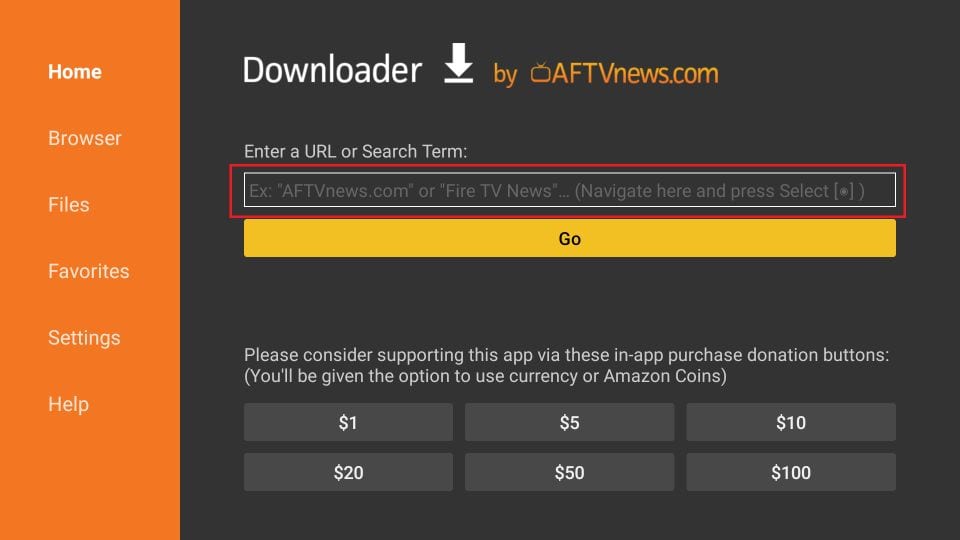
Let us first use the ‘Home’ option, which lets us directly download the files using the URLs pointing at those files.
1. Click Home on the left sidebar. This option sits right on top.
2. On the right, you will see the cursor already blinking in the URL field. Press the Select button on your remote to highlight the field. The onscreen keyboard will pop-up.
Comments are closed.